Skip to content

Analysis & Postprocessing

Postprocessing results

125 Topics 382 Posts
  • Python code for outputting analysis results

    4
    0 Votes
    4 Posts
    150 Views
    B
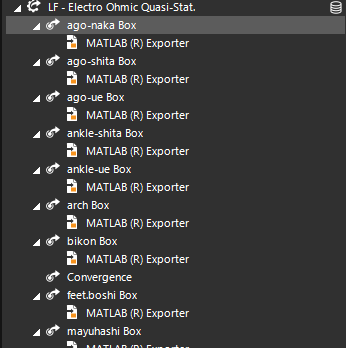
    The text exporter is just called 'FieldDataTextExporter' instead of 'MatlabExporter'. However, I would first recommend that you try my suggestion of using the GUI to add a text exporter, and then right-click the analysis tree to generate the equivalent code. This is the best way of discovering the API equivalent of UI features.
  • 0 Votes
    2 Posts
    71 Views
    C
    In answer to my own question, I found the way: Extract the Titration Evaluator via the Titration Sensor, and check the 'Visualize spikes' option in the Settings field for the Titration Evaluator. Click refresh; this will create a folder of point entities in the modelling window with all the nodes of first spike location. The locations of these point can be access using ent.Position in Python or Jupyter, which can then be used to calculate distances to other points. I will note for the SIM4LIFE team, I could not find any examples or documentation for this method, nor is the 'Visualize spikes' setting exposed in the API. Please consider adding this in a future update, as I believe it to be a powerful and useful method. It would also be helpful if these nodes are named distinctly, such that they correspond to the Neuron fibers that they refer to. This would mean that you don't end up with a significant number of entities all named 'node[0]'. Thanks!
  • Extract EMLF Results via Jupyter

    10
    0 Votes
    10 Posts
    3k Views
    K
    @bryn Excuse me for butting in. Nice to meet you. I’m currently a graduate student conducting research on temperature distribution in liver tumors with respiratory motion using Sim4Life. Could you please share some code that uses Python scripts to output the analysis results of temperature distributions after running the simulation?
  • 0 Votes
    2 Posts
    489 Views
    B
    Hi, there aren't any known issues with the Multiplier tool that would prevent you from scaling your field by any arbitrary value. Is it possible that in your script, you are using the same variable 'output1' for each case and as such are calculating the same value each time? If you are still having issues, could you share your project and script with the support team via s4l-support@zmt.swiss?
  • This topic is deleted!

    1
    0 Votes
    1 Posts
    2 Views
    No one has replied
  • 1 Votes
    3 Posts
    775 Views
    2
    Thank you for your response. Additionally, I would appreciate it if you could tell me how to output the temperatures from the thermal simulation results to text files, spreadsheets, Excel, etc. Ideally, I would like to be able to extract the temperatures at specified coordinates or average values for each model (Lung, Spleen, etc.). If specifying the model is difficult, it would also be acceptable to obtain the post-simulation temperature at specified coordinates.
  • Multiport Simulations Export Huygens Source

    11
    0 Votes
    11 Posts
    3k Views
    L
    Hi Sylvain, thanks again for your detailed answer. I also talked with Arjama; I guess the best solution is to import both Huygens sources (Even if this means loosing the information about the input power) and to simulate the exposure field not with the BC coil, but with the two imported sources. Then, the other simulations (as in the youtube tutorial) can be linked to the field sensor used when simulating the two Huygens-imported sources.
  • Regarding Extraction of Electric Field in Nerve Regions

    5
    0 Votes
    5 Posts
    1k Views
    G
    @bryn Thank you very much for your reply. Both the visualization of the electric field in the nerve region and the extraction of the field data as a .mat file have been successfully resolved. I really appreciate your kind support and clear explanations.
  • Understand the h5 file structure

    3
    0 Votes
    3 Posts
    1k Views
    brynB
    to get the current density in Python you could use a script like import s4l_v1.document as document try: # add a SimulationExtractor for the simulation call "LF" simulation = document.AllSimulations["LF"] simulation_extractor = simulation.Results() # create an EmSensorExtractor em_sensor_extractor = simulation_extractor["Overall Field"] em_sensor_extractor.FrequencySettings.ExtractedFrequency = u"All" document.AllAlgorithms.Add(em_sensor_extractor) # update the pipeline, make sure current density is extracted em_sensor_extractor.Outputs["J(x,y,z,f0)"].Update() # get data current_density_field = em_sensor_extractor.Outputs["J(x,y,z,f0)"].Data except Exception as exc: import traceback traceback.print_exc()
  • 0 Votes
    2 Posts
    1k Views
    AntoninoMCA
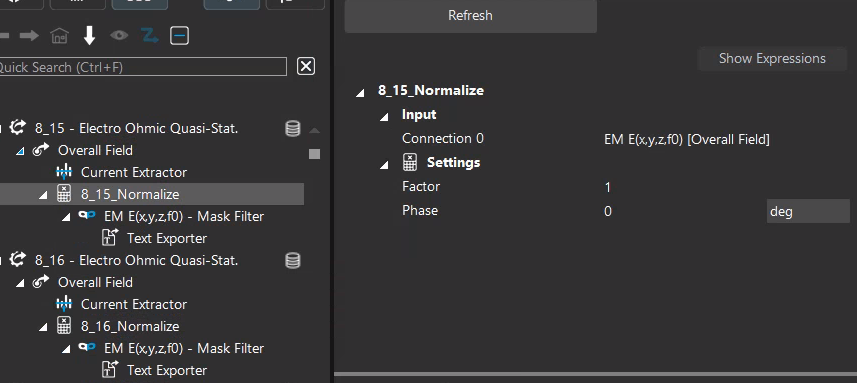
    Dear @lorenero_99, Thank you for contacting us! Please have a read to my recent comment to this post, where I tried to be very detail in explaining how the current flux normalization works and what are the limitations. https://forum.zmt.swiss/topic/733/normalization-for-precise-current-control-via-jupyter/5 For what concerns the impedance, if you use the Ohmic-Current Dominated solver, the Ohmic laws apply and you can extract the resistance (impedance) knowing the applied voltages at the electrodes and the current through them. If you need further explanations, please do not hesitate to contact us immediately! All the best, Antonino
  • Normalization for precise current control via Jupyter

    6
    0 Votes
    6 Posts
    2k Views
    C
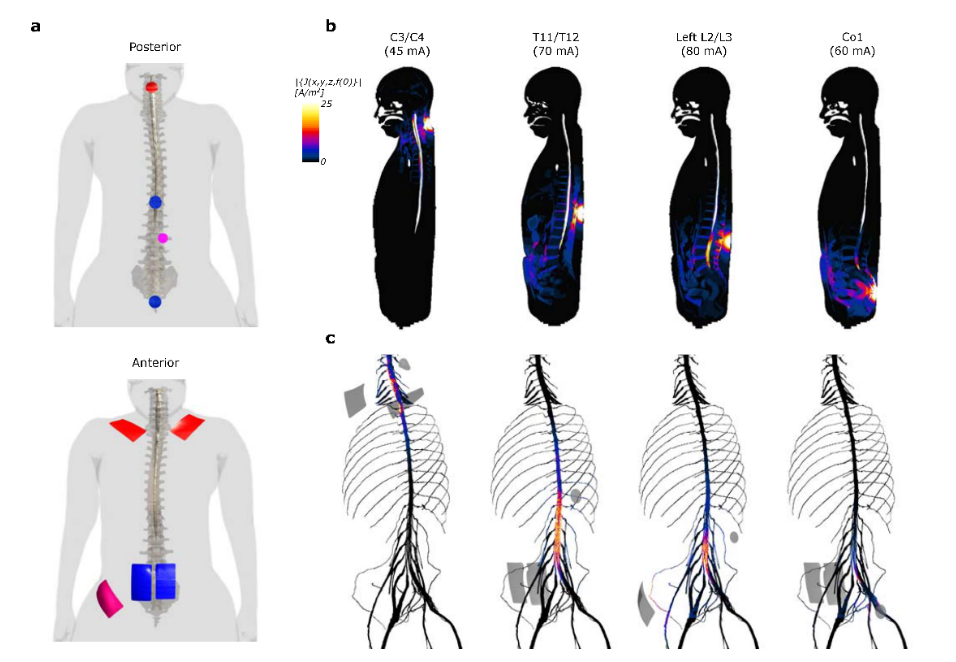
    Hi @AntoninoMC, I really appreciate this answer as it helped clear some things up for me. I understand the current extractor much better than I did before and I've realized why I may have been running into some issues. The method of using the analysis as a source also seems to be preferable. I am using the EMLF Electro Quasi-Static model for modelling transcutaneous spinal cord stim, for which precise control of the current is of absolute importance. The multiplier method seems to be the way to go for feeding into the NEURON simulation, as it means I don't have to rerun my EMLF sim. One thing I'm wondering, when I select the analysis/cache as a source, I lose the ability to use the contact impedance model in the NEURON setup. If I use a contact impedance model producer to modulate the resulting EM field from the multiplier, I lose the ability to set pulse parameters, which then seems to prevent NEURON from running a simulation. Do you know if there's a way to use the analysis connection with a multiplier AND a contact impedance model simultaneously for driving a NEURON simulation?
  • Simulation Combiner Channel Parameters

    2
    0 Votes
    2 Posts
    1k Views
    C
    If I understand correctly, you would like to have one simulation with a total current of 2.47mA and another one with 1.98mA. Sim4Life EQS solvers use Dirichlet boundary conditions for the electrodes (fixed voltage) as they solve for electric potential and electrode surfaces are assumed to be equipotential, hence the flux should be able to vary to ensure an equipotential surface. Moreover, when you check “Treat as port” for the LF solvers, you should be able to see in the log that they run 1 simulation per port, by setting this port to 1V and all the rest to 0V. With only 2 electrodes, and assuming you have one anode and one cathode, I would suggest the following: Assign Dirichlet boundary conditions to the electrodes (one setting per electrode, for instance 0.5V and -0.5V). Run the simulation Extract the total current of the simulation (select the "Overall Field" and use the "Current Extractor" from the ribbon). Normalize your fields of interest by the scaling factor: desired current/total current. Visualize the output of your normalized field. I hope this helps!
  • 2 Votes
    2 Posts
    1k Views
    brynB
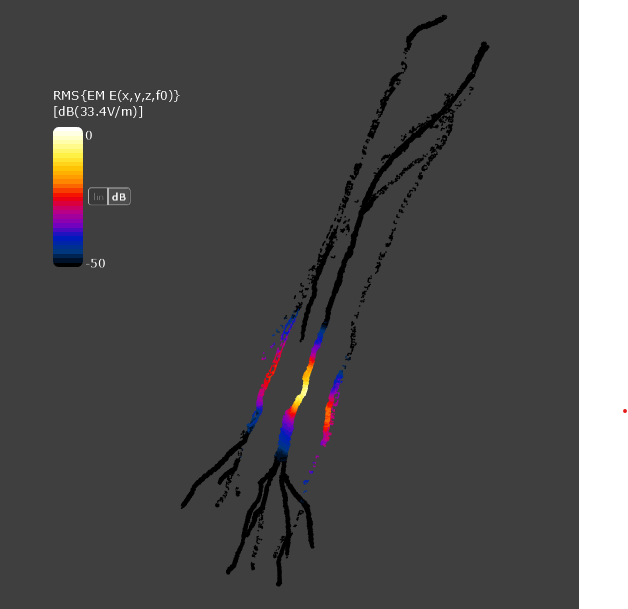
    Hi @Seifeldin_E I assume you’re referring to the second row, where the field is shown on the surface of the spinal cord and peripheral nerves. Here’s the simplest way to achieve this: In the Field Sensor, select Current Density. Add a Masking Filter: Set selection to None (deselect everything). Type Nerve in the search filter and activate all nerve structures. Search for the spinal cord and activate it as well. Add a Surface Viewer — this will extract the surface at the masked regions. How it works: The masking filter replaces all unselected field values with NaN (not-a-number). The surface viewer detects NaN values and extracts the surface surrounding the masked voxels. Alternative method (less robust): Drag a TriangleMesh entity (e.g., Spinal_cord) to the Analysis tab. Select Current Density and the spinal cord mesh (now in Analysis, apply the Model to Grid filter). Add the Interpolation filter. Add a Surface Viewer Be aware: if the field changes abruptly near the surface, this method may interpolate the field on the "wrong" side of the surface. That’s why the masking approach is usually more reliable and easier to use.
  • How do I export multiple MATLAB files together?

    9
    0 Votes
    9 Posts
    4k Views
    M
    Hi there, I hope you can help, and that my questions fits within this thread. I have simulated an overall field and I would like to export it to matlab. At first I can live with the UI way i.e. by the import/export menu, but later I'd like to script it too. Now selecting e.g. the E-field and clicking the Imp/Export menu gives me no options but Import. Can anyone show the workflow? And/Or can anyone post a snippet of python code that does the export? Does exporting require a certain license?
  • 1 Votes
    18 Posts
    10k Views
    L
    Hi, sorry to bother you. Do you happen to know how to calculate the current absorbed by the electrodes and the impedance?
  • This topic is deleted!

    1
    0 Votes
    1 Posts
    16 Views
    No one has replied
  • can't connect ports

    2
    0 Votes
    2 Posts
    1k Views
    M
    I ran the simulation again. This time it ran completely. Physical results the same but without any errors, i.e. the analysis section could indeed connect ports. So is there a random seed thing and a voxeling issue after all?
  • Text Exporter 'NaN' error

    4
    0 Votes
    4 Posts
    1k Views
    H
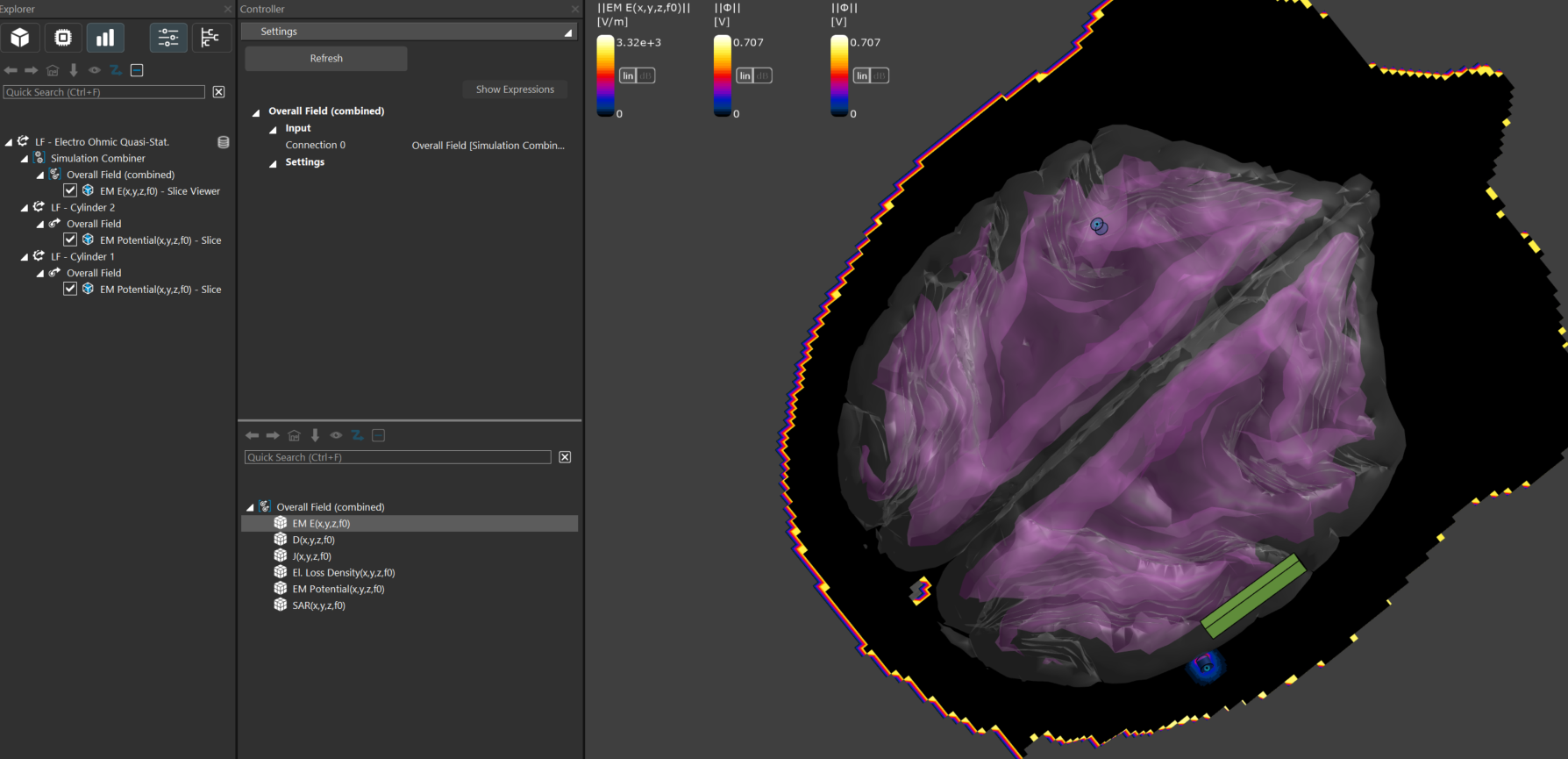
    Please select the overall field and select the E field, then look under "Field Data Tools". Please "Go to the HTML manual" from "Help" and search for NaN filter. I would recommend using the latest version of Sim4Life v9.0. [image: 1753361215835-bc62f2dd-580a-4b6b-b11d-728454d14416-sim4life_xhh8cgbkwm.png]
  • Advanced Masking of Fields

    1
    0 Votes
    1 Posts
    744 Views
    No one has replied
  • Platform crashes

    5
    0 Votes
    5 Posts
    2k Views
    A
    Hi, Sorry to bother You. IN ATTACHED VIDEO SHOWS WHAT HAPPENS AFTER CLICKING THE OPTION "CREATE PLOT" AND THE SYSTEM CRASHES. The workstation and memory have been tested, all without errors. Can one of the service engineers help? Kind regards, Thank you, Andrei Andrei Churakov MD,PhD, Associate Professor of the Department of Electronic Engineering and Technology BSUIR E-mail: anchurakov@bsuir.by