Extrude whole model, not just individual volumes/lines
-
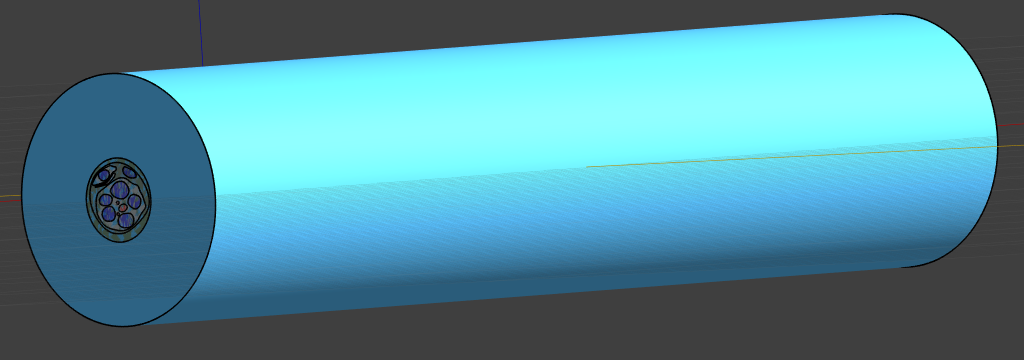
I would like to make longer one of the nerve models that come with S4L, it seems like in the "Modify" section, I can extrude single lines (that represent Axons). However, when I select any other volume such as the cylindrical one that option does not show up. Ideally, I would like to select the whole model and extrude it, but I am fine if I must do it individually. Any idea on how to do that?
Thanks!
-
I guess you have different options, in order of complexity
- stretch the whole model (it is 2.5D I think?)
- if there is something in the center that should not be stretched (electrodes?), you could cut the model (all entities) in three parts: bottom, center and top. you could stretch the top/bottom and then boolean unite them with the center.
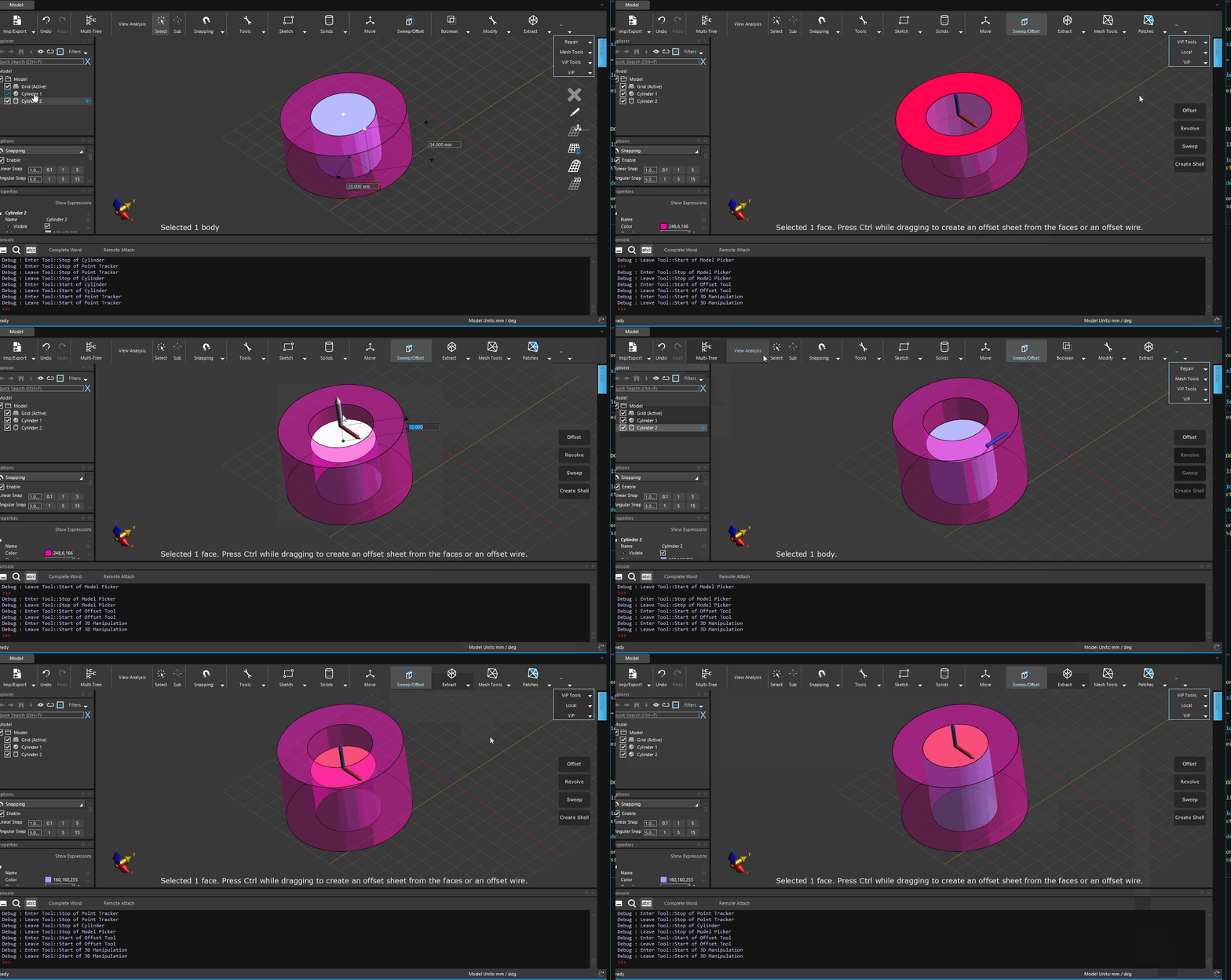
- you could select the faces e.g. at the top (sub-picker) and offset them. you have to do this separately for each region. to specify the exact extrusion length, you can start pulling the arrow and then press the space key to type the offset/extrusion length (see attached gif)

Hello! It looks like you're interested in this conversation, but you don't have an account yet.
Getting fed up of having to scroll through the same posts each visit? When you register for an account, you'll always come back to exactly where you were before, and choose to be notified of new replies (either via email, or push notification). You'll also be able to save bookmarks and upvote posts to show your appreciation to other community members.
With your input, this post could be even better 💗
Register Login